Vermont Ambassador Hub

Here we link resources such as sellsheets to support our team and our partners in educating partners and securing quality placements in accounts. This is a work in progress.
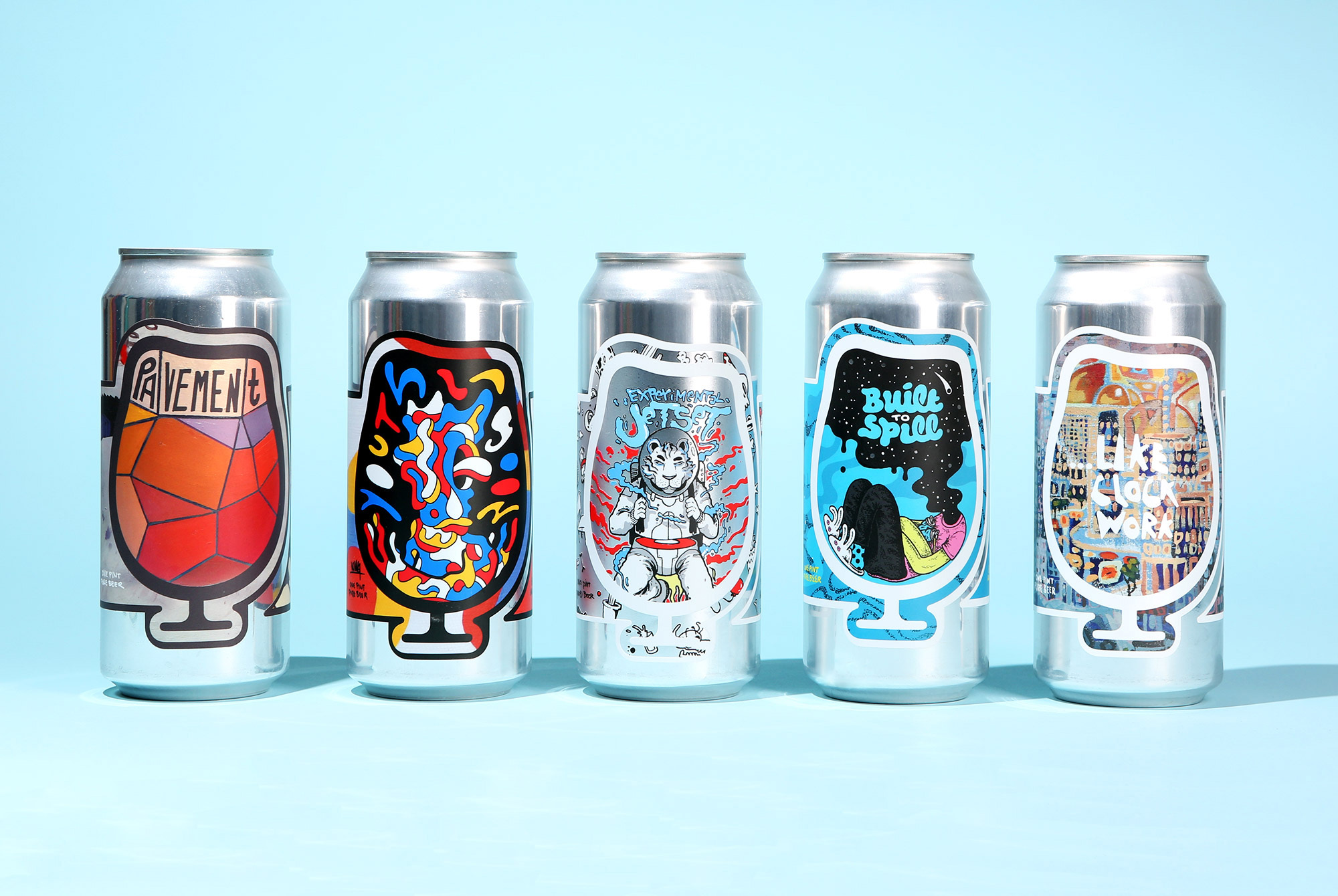
Sell Sheets for Vermont

To create a sell sheet, follow the SOP below.

  1. Click the correct beer from those listed below.
    Please note that the current list below is not complete. We will work together to fill out the information for the rest of the beers.
  2. Once the page opens in a new tab of your browser, select File > Print.
  3. When the print dialogue box opens up, make sure that: Destination = Save as PDF, Layout = Portrait, Paper size = Letter, Margins = None, and Scale = 100. Then click Save and select your destination and file name.
  4. Open the file and print. Make sure you print in color, Scale is 100%, etc.

Vermont Ambassador Hub

Here we link resources such as sellsheets to support our team and our partners in educating partners and securing quality placements in accounts. This is a work in progress.

Sell Sheets for Vermont

To create a sell sheet, follow the SOP below.

  1. Click the correct beer from those listed below.
    Please note that the current list below is not complete. We will work together to fill out the information for the rest of the beers.
  2. Once the page opens in a new tab of your browser, select File > Print.
  3. When the print dialogue box opens up, make sure that: Destination = Save as PDF, Layout = Portrait, Paper size = Letter, Margins = None, and Scale = 100. Then click Save and select your destination and file name.
  4. Open the file and print. Make sure you print in color, Scale is 100%, etc.